
Strip AI tags
from your images.
Drop, done.
For photographers, journalists, and creators who don't want
their work flagged as "AI-generated" the moment they post it.
Drop, done.
For photographers, journalists, and creators who don't want
their work flagged as "AI-generated" the moment they post it.
Strips signatures from
Works on
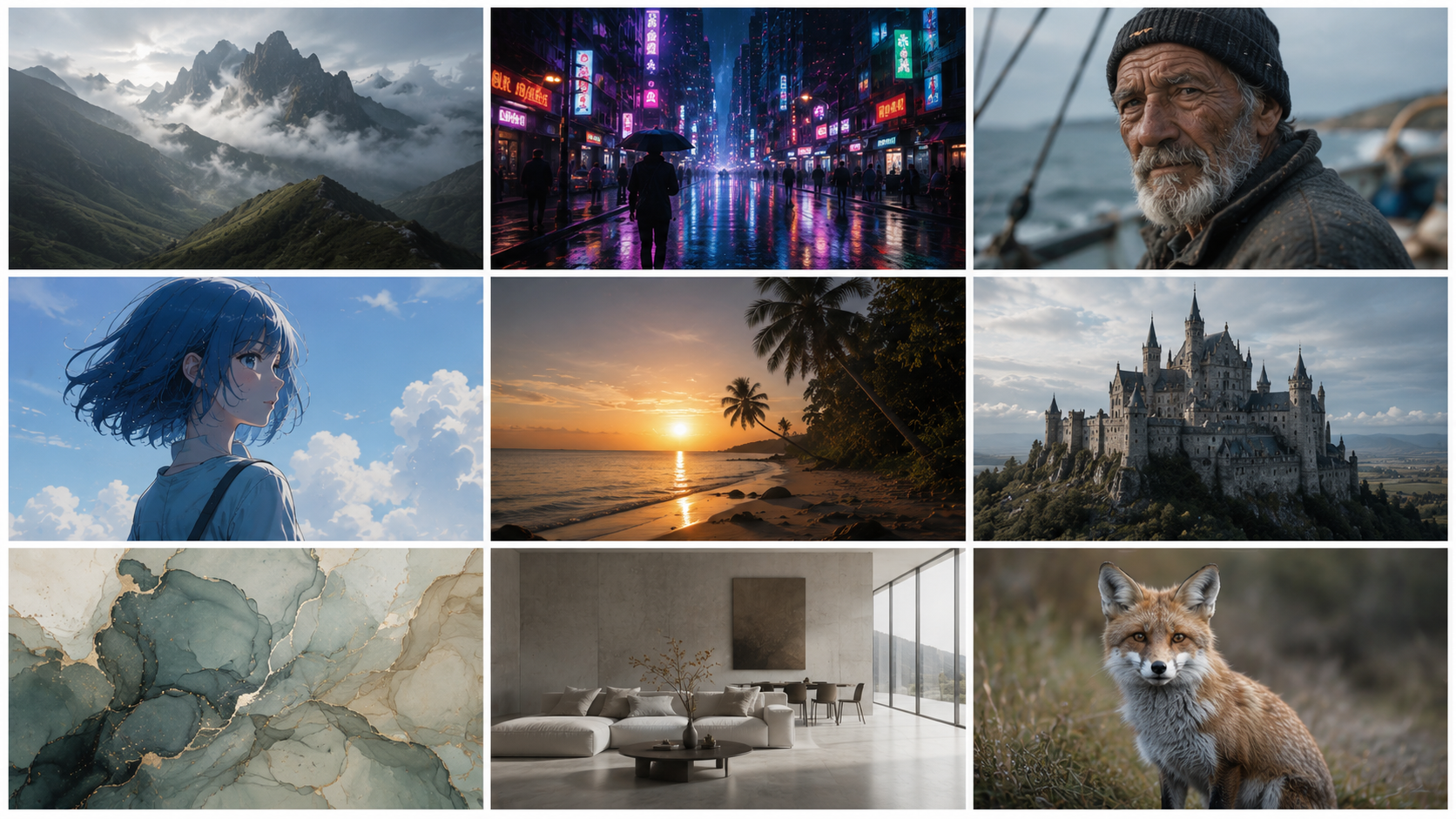
From Firefly portraits to Midjourney landscapes to Stable Diffusion experiments. If a model made it, Rinse strips it.
The problem
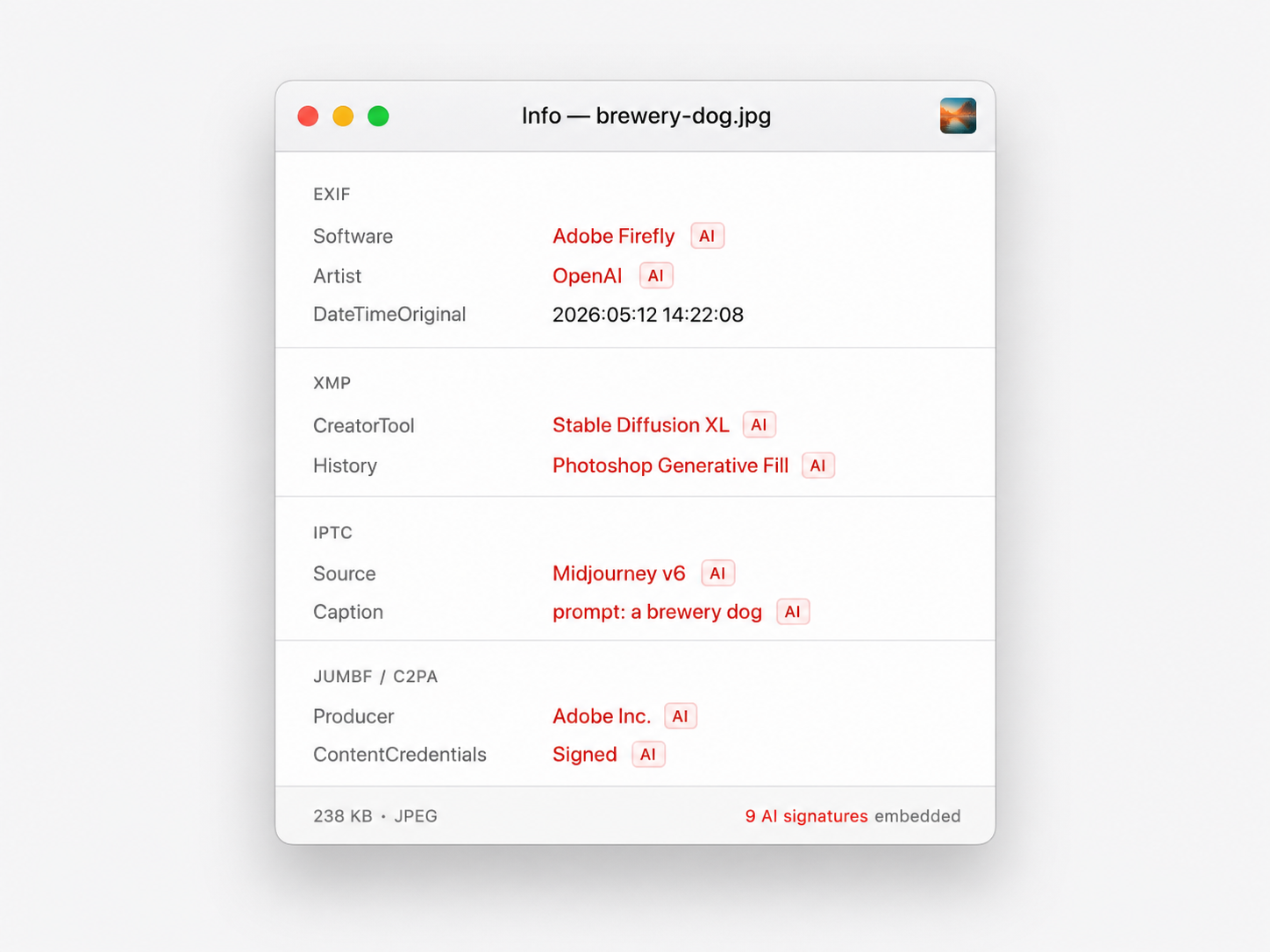
Adobe Firefly, DALL·E, Imagen, Photoshop Generative Fill — every AI tool embeds cryptographic Content Credentials into the images it makes. So do many cameras.
Post one to Instagram, X, Threads, or LinkedIn and the platforms read those credentials. Some now show an "AI-generated" badge under your post. Others quietly demote it in the feed. The decision isn't yours.
What's inside a typical AI-generated JPEG. None of it is visible. All of it follows the file — straight onto every platform you post to.
The product
A water-drop icon sits on your Desktop. Drag any image onto it. In about two seconds, the cleaned version appears in the Cleaned folder beside it. That's the whole product.


What it strips
Two passes, no shortcuts. Pixels re-encoded into a fresh container, then a final sweep wipes any tag exiftool can name. Nothing privacy-relevant survives.
Camera info, GPS, timestamps. Software fingerprints from Firefly, Photoshop, DALL·E.
Photoshop Generative Fill history, Lightroom edits, every Adobe XMP packet.
Captions, source tags, contact info, photographer identifiers.
Cryptographically signed Content Credentials from Adobe, OpenAI, Google Imagen, Microsoft, Leica, Sony.
Where Stable Diffusion, ComfyUI, and Automatic1111 dump the entire prompt and workflow JSON.
Photoshop IRB, Adobe color, embedded thumbnails, ICC color profile.
How it works
01 — Drop
The Clean folder on your Desktop is just a folder watcher. Drop one image, drop fifty.
02 — Strip
Pixels re-encoded into a fresh container. Then exiftool wipes every remaining tag. No metadata survives.
03 — Done
The stripped image appears in Cleaned. The original is kept in a backup folder, untouched, in case you need it.
0
Tags survive
per image
~2s
From drop
to cleaned
100%
Local. No uploads.
No telemetry.
Over time
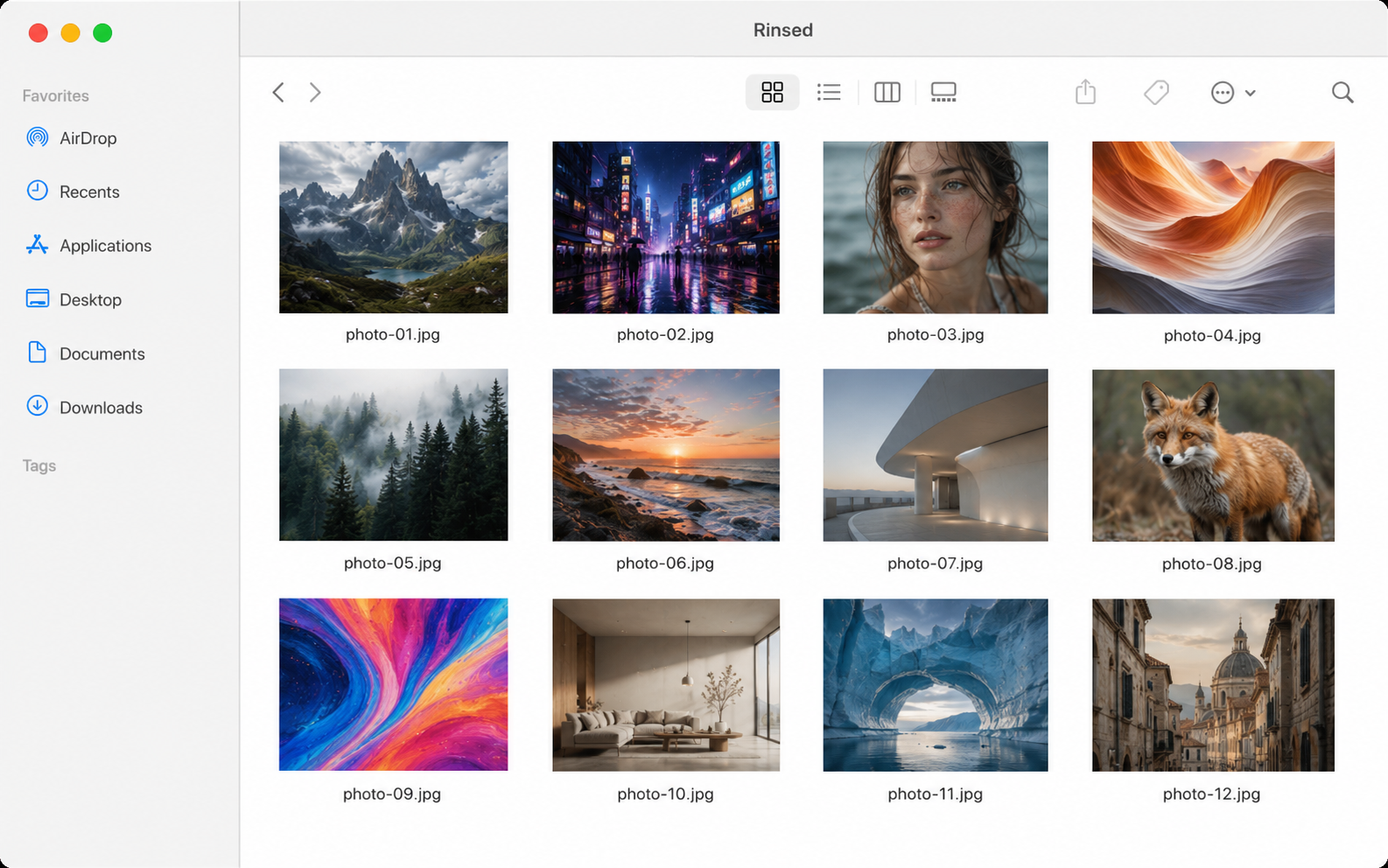
Every image you drop ends up in your Cleaned folder. Untagged. Untouched. Yours.
Where Rinse stops
Google's SynthID and similar pixel-domain watermarks are woven into the image itself, not its metadata. Rinse won't remove them. Only diffusion-based regeneration can weaken SynthID, and even then never with certainty. So we don't pretend. Rinse stays focused on what it does perfectly: every piece of embedded metadata, every time.
From the maker
In 2026, every AI tool I touched left a fingerprint inside my images. Adobe signed them. OpenAI signed them. Even my camera signed them. I wanted my photos to be mine — not co-authored by ten companies I never asked. So I made Rinse.
— Chad
Specs
Frequently asked
~/Rinse/originals/ with a timestamp prefix, untouched. Move it back any time.